

Introduction
In this quickstart, you will create new user wallets on Story and use passkeys for sending transactions using this wallet. By the end of this guide, you’ll be able to:- Create client-side wallets on Story Protocol
- Configure multiple authentication methods
- Mint your first NFT using the wallet
Preparation Steps
1
Create a developer account
To get started, create a developer account in the Crossmint Staging Console. Open that link, sign in, and accept the dialog to continue.
Crossmint offers two consoles: staging, for development and testing, and
production.
2
Get an API Key
Create a client-side API key with these scopes:
wallets.create,
wallets.read,
wallets:balance.read,
wallets:transactions.create,
wallets:transactions.read,
users.read,
users.create.Check the “JWT Auth” box.This allows your API key to create new client wallets.Create Client Wallets
1
Set Up the Application
Follow the React Wallets Quickstart guide to use Crossmint’s Wallets SDK in your application.
2
Configure Story's Chain
Set
story-testnet as the chain property.3
Format Login Component
Adjust the login component’s style to match your application’s design. You can experiment with it here.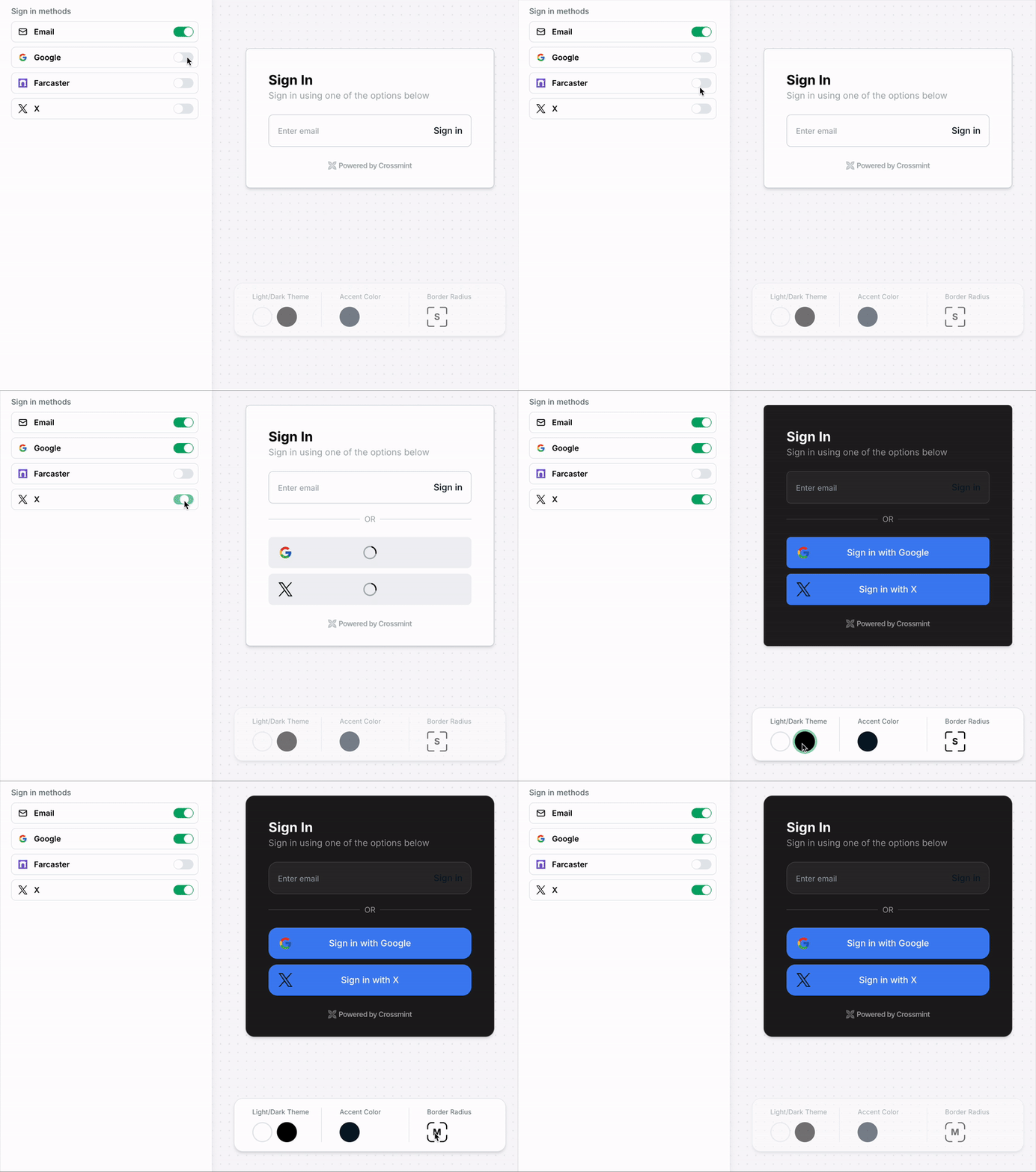
This quickstart uses Crossmint Auth for convenience. You can bring your own auth provider, which is recommended for production scenarios.
Send Arbitrary Transaction
1
Specify the NFT Contract
Define the address and interface (ABI) of the NFT smart contract on Story Protocol.
2
Create a React Component for the Transaction
Create a user-friendly interface that:
- Displays the transaction status
- Allows users to send an arbitrary transaction to the NFT contract
- Displays the transaction hash and a link to the Story Explorer
3
Add the Transaction Component to the App
Incorporate the transaction component into the main wallet interface, using the
useWallet hook to manage wallet state and pass it to the transaction component.