

- Install the Swift SDK
- Create an Onramp order for your authenticated users
- Use the embedded checkout component to handle KYC, payment, and delivery
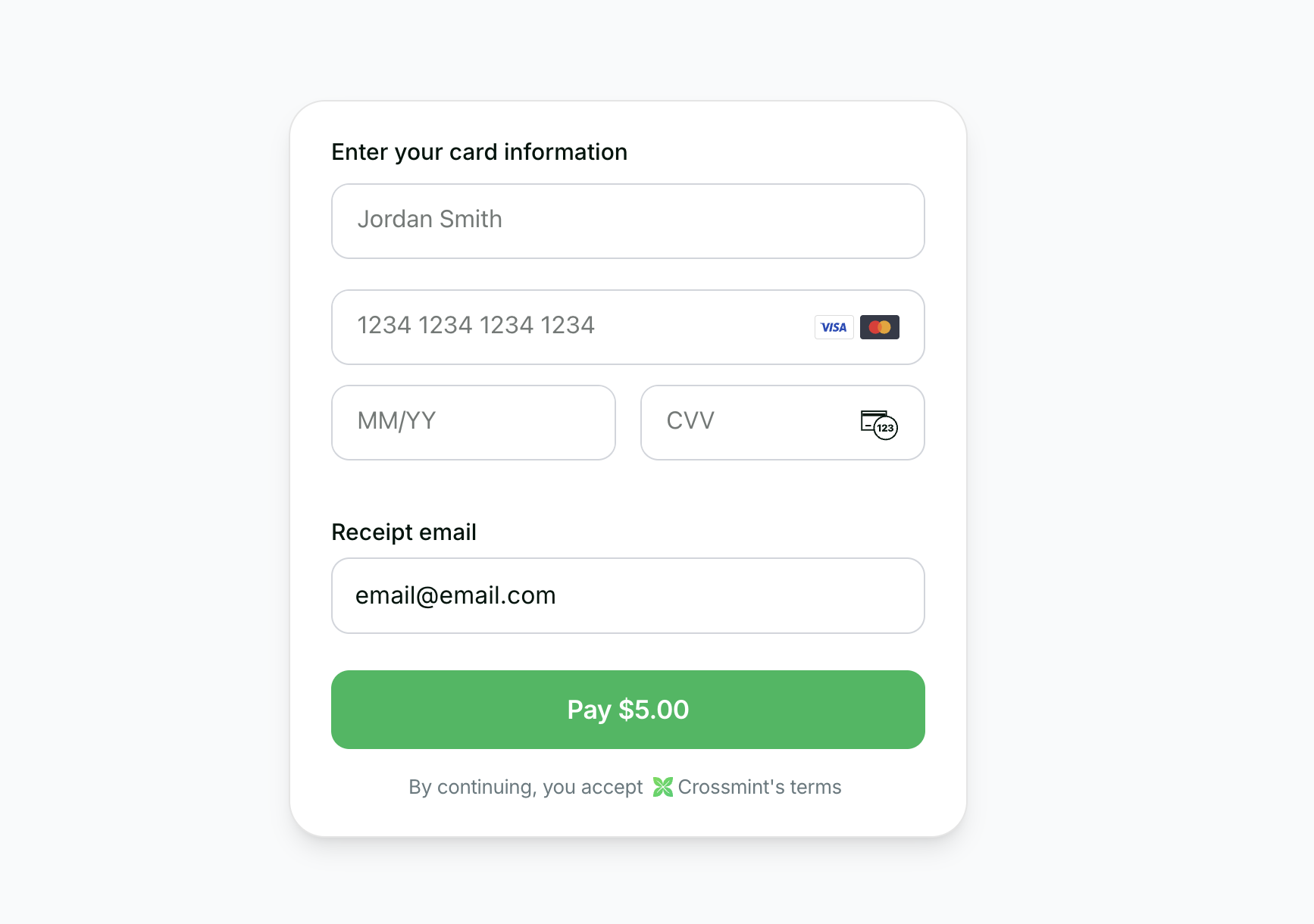
Native iOS onramp with Apple Pay support
Before you start
Set up your project and get an API key.
Swift SDK on GitHub
View the open source Swift Checkout SDK repository.
Staging is self-serve — start testing with a staging console account. Production access requires a signed Order Form and completed KYB verification. Contact sales to get started.
Prerequisites
- iOS 14.0+
- SwiftUI framework
- Xcode 13.0 or later
CrossmintCheckout product for your target.
- Create a server-side API key with the
orders.createandorders.readscopes enabled. In staging, all scopes are included in your API key.
Add Onramp to Your App
Create the order
If you want to enable onramp orders to external wallets (EOAs or third-party smart wallets) instead of Crossmint wallets, see the Onramp to External Wallets guide before proceeding.
🚨 IMPORTANT: The
payment.receiptEmail parameter is required for compliance reasons. Crossmint uses this email
to determine whether KYC is required for the order.Example Response
Example Response
Use the checkout component
Once you have the order response with Key features:
orderId and clientSecret, use Crossmint’s embedded checkout component in your SwiftUI view.The component supports native Apple Pay for a seamless iOS payment experience.- Native Apple Pay: Smooth integration with iOS payment system
- SwiftUI Components: Modern declarative UI framework
- Automatic KYC: Handles verification flow automatically
- Customizable Appearance: Control visibility of UI elements
Track the order
After the user completes payment, you can track the order status using webhooks or polling.
Webhooks (Recommended)
Webhooks (Recommended)
Configure a webhook endpoint to receive real-time order status updates:For detailed setup instructions, see the Webhooks documentation.
- Go to the Crossmint Console
- Add your webhook endpoint URL
- Subscribe to
orders.delivery.completedandorders.delivery.failedevents to track the final order outcome. You can also subscribe toorders.payment.succeededfor an intermediate payment confirmation.
Polling
Polling
Poll the order status endpoint from your backend:Check the
order.payment.status and order.lineItems[].delivery.status fields to track progress.Transaction Completion
Upon successful payment:1
KYC Verification
The embedded checkout component handles all the complexity of KYC verification automatically.
2
Token Delivery
The purchased tokens (minus fees) are sent directly to the user's wallet.
3
Receipt Sent
User receives an email receipt from hello@crossmint.io.
Next Steps
- Explore the Payment Methods Guide to learn about different payment options
- See the Production Launch Guide for going live
- View the Swift Checkout SDK source code on GitHub